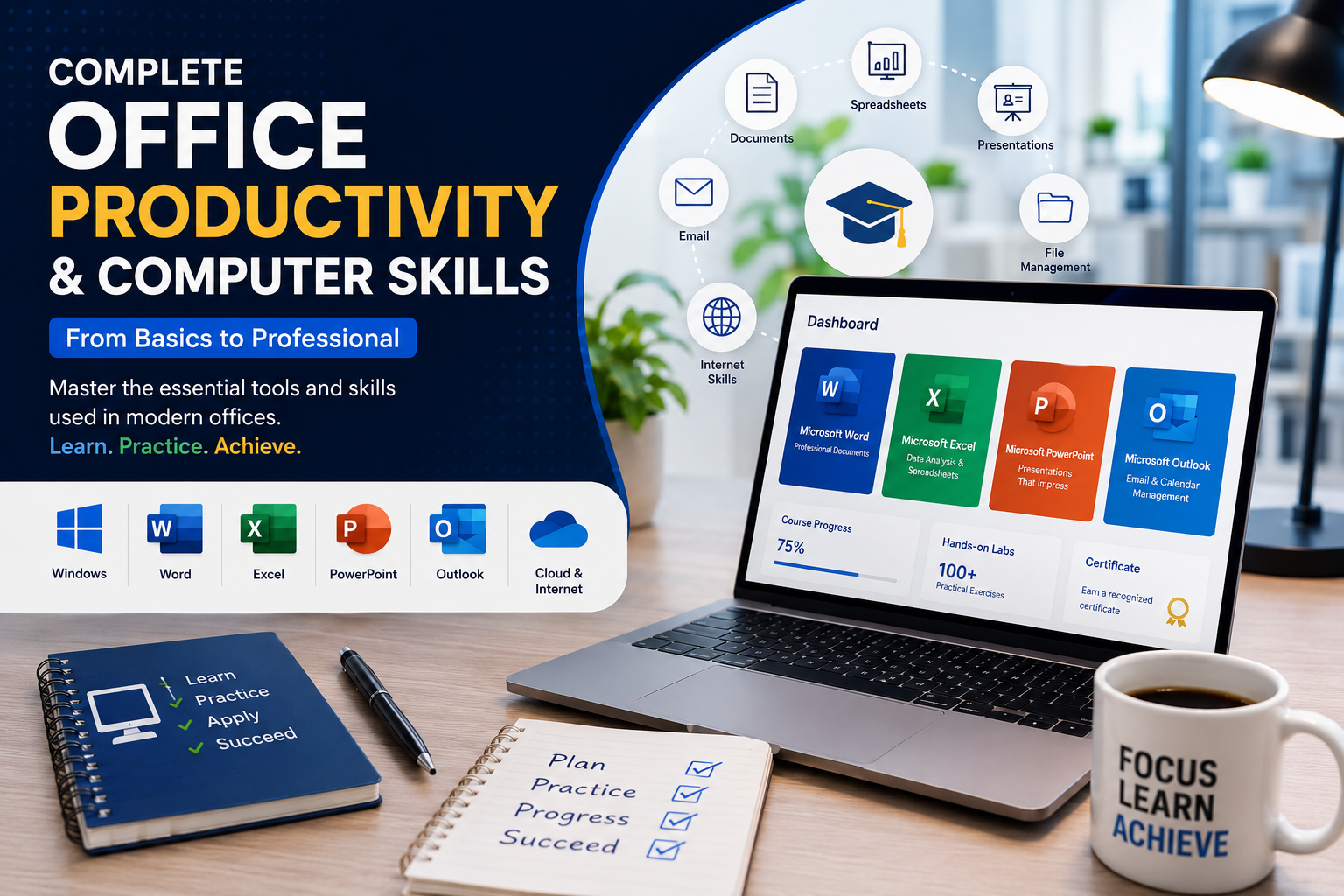
Become job-ready with one of the most comprehensive office productivity courses available.
This course is designed for beginners and anyone who wants to develop professional computer skills used in offices, schools, businesses, and government organizations. Rather than simply watching videos, you'll complete realistic interactive labs that simulate working on an actual computer.
Throughout the course, you'll learn how to confidently use Windows, organize files and folders, create professional documents in Microsoft Word, analyze data with Excel, build engaging presentations in PowerPoint, manage emails with Outlook, work with cloud storage, browse the internet safely, and apply best practices for workplace productivity.
You'll complete dozens of practical projects such as creating business letters, invoices, reports, spreadsheets, presentations, forms, and professional office documents while receiving feedback on your work.
By the end of this course, you'll have the skills required to perform everyday office tasks efficiently and confidently, making you better prepared for administrative, customer service, receptionist, office assistant, secretary, and many other professional roles.
Beginner → Advanced